Adding a book
From the lists dashboard or the page of a list, click the button “Add a book”.
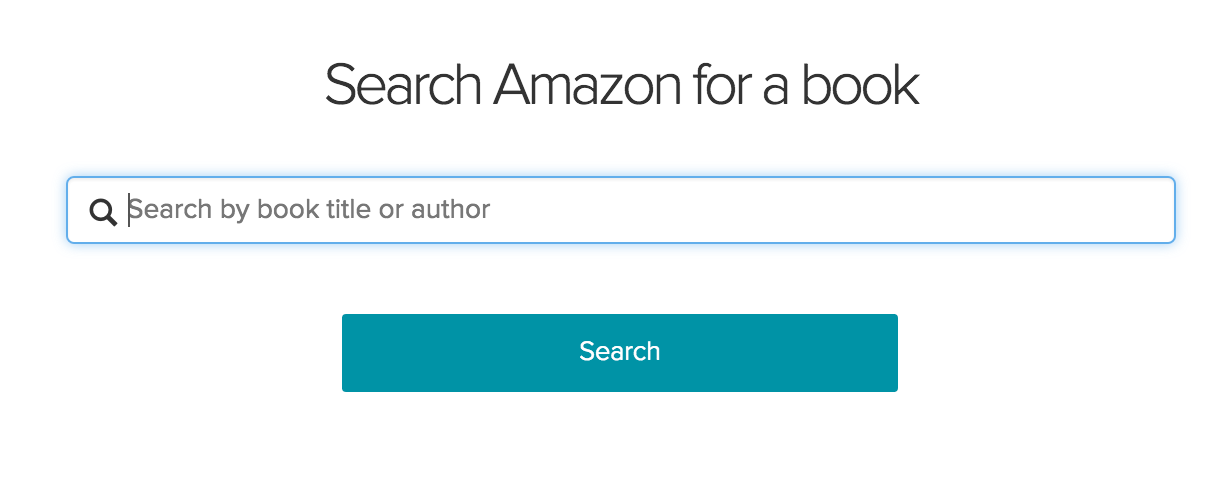
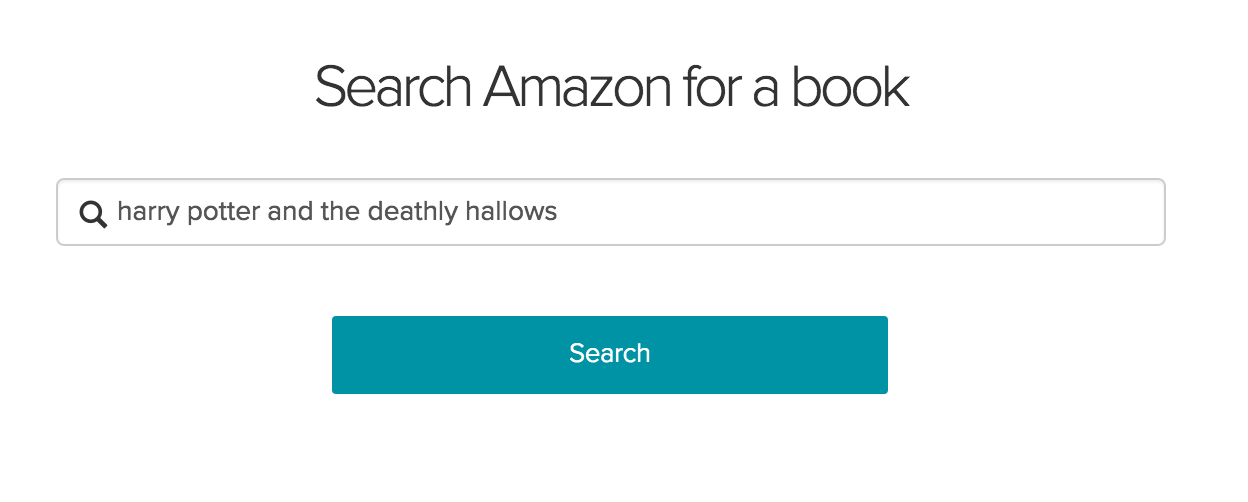
Search for your book by the title or the author.
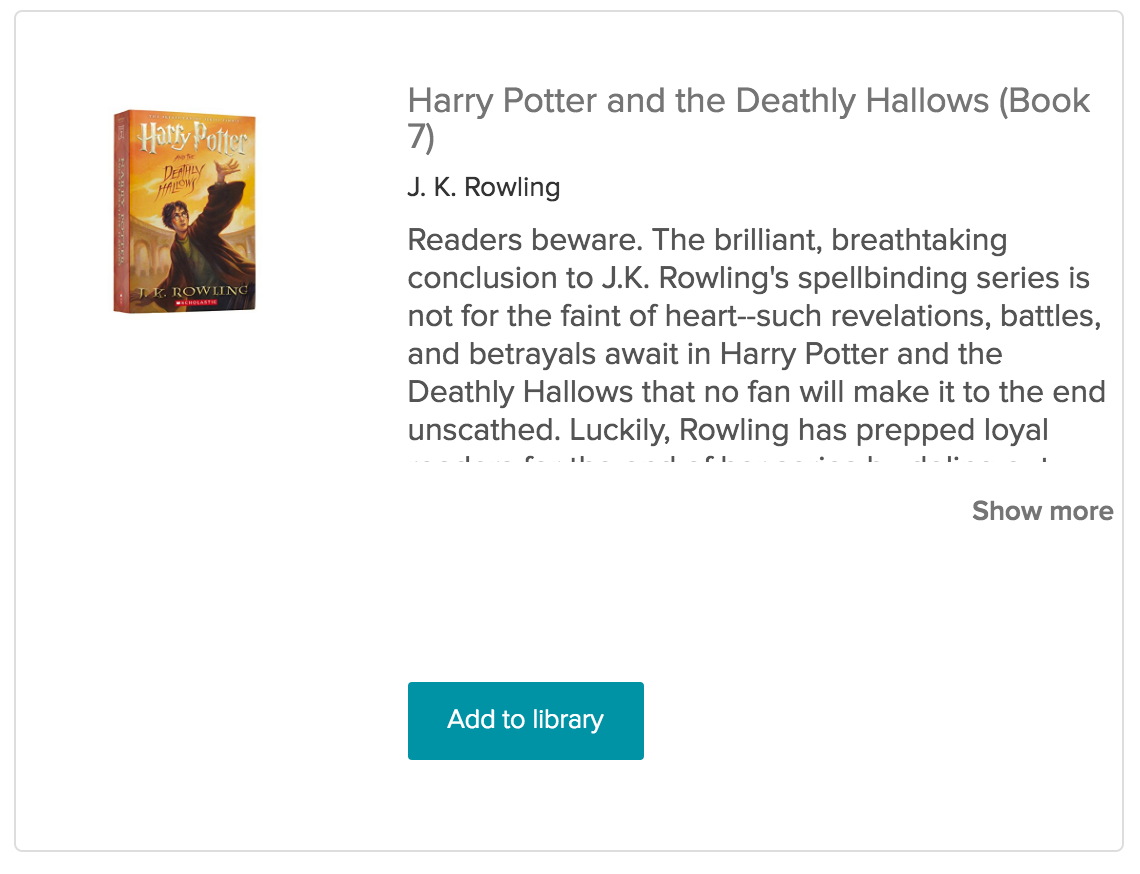
Scroll down and find the correct book, then click “Add to library”.
A modal will appear. You can write a review about the book here (optional).
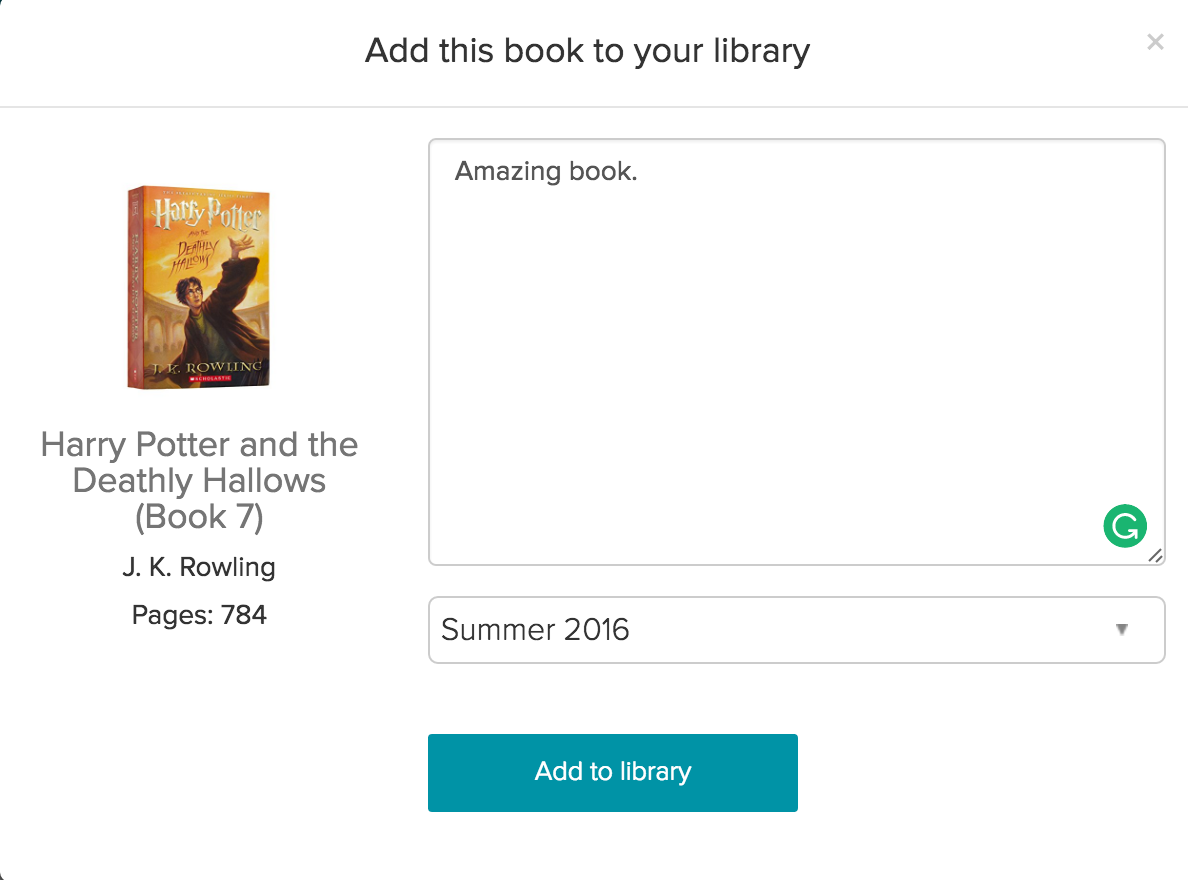
Finally, click “Add to library”.