Creating a list
Creating a list
Click “Lists” in the navigation bar in the top right.
Each user automatically has 3 lists to begin with: Already Read, Want to Read, and Favorites.
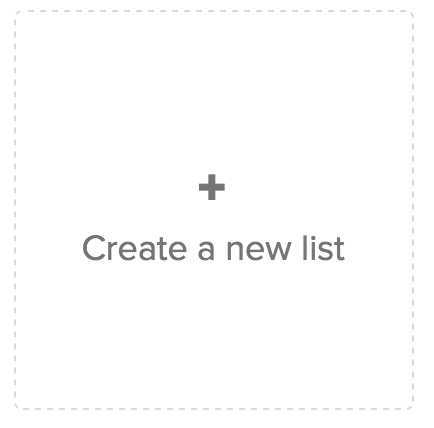
Click the button “Create a new list”, which looks like this:
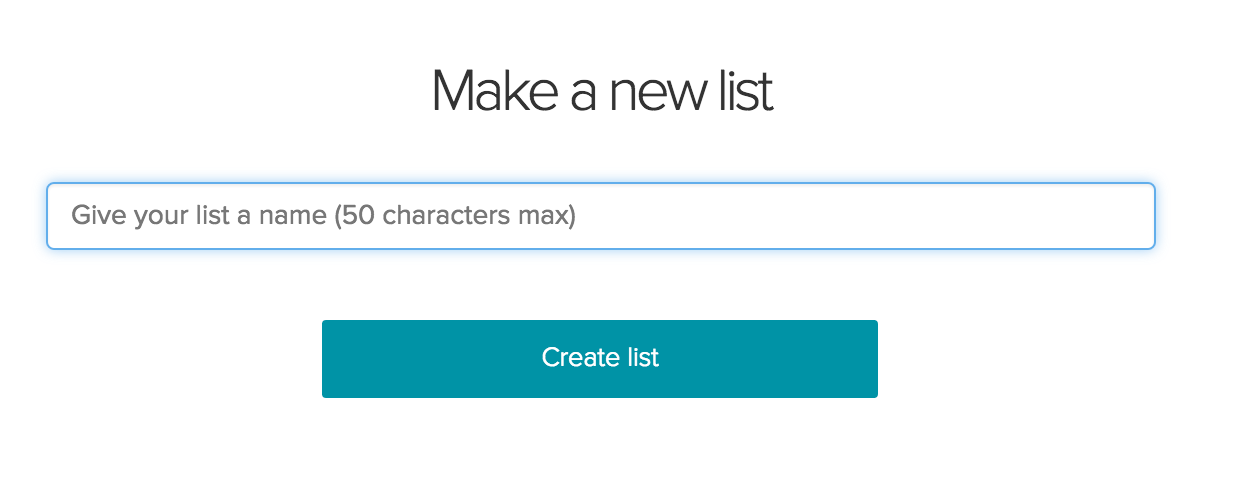
You’ll be taken to a page to name your list. You can name it anything, given that the title is less than 50 characters.
After you create the list, you’ll be redirected to main page of the list.
You can find more info about the list in the top right.
